 Beatcast
About Beatcast
Updated
What Beatcast is
A heart rate strap or armband has no display. Beatcast gives it one on the iPhone and iPad: on the Lock Screen, in the Dynamic Island, in widgets, and while other apps are open. With an Apple Watch, on the wrist as well. It adds zones, alerts, a rest coach, session recording, a weekly view with a goal for your target zone, CSV and TCX export, a picture or video of a finished session to share, and optional saving to Apple Health. The AirPods Pro 3 heart rate sensor is supported on iPhone too.
Who makes it
Beatcast is made in Vienna by Andreas B. Diendorfer, a molecular biologist with a PhD, specialised in computational biology and biomarker research. I have 25 years of experience in software development, starting back when HTML and CSS were written in vim. I wanted my heart rate in view in the gym while I used other apps. Calm exercise came next, then recording sessions to look at later. My ORCID record is public. Feel free to reach out on LinkedIn.
Fact sheet
| Name | Beatcast |
|---|---|
| Maker | Andreas B. Diendorfer, Vienna |
| Platforms | iPhone and iPad, iOS and iPadOS 26 and later. Apple Watch, watchOS 26 and later, as a display with a paired iPhone. |
| App languages | English, German, French, Spanish, Italian, Dutch, Brazilian Portuguese, Ukrainian, Japanese |
| Price model | 14 days free, then one purchase. No subscription. |
| Privacy | No account, no analytics. Data stays on the device or goes where you export it. |
| Sensors | Standard Bluetooth heart rate sensors. Polar H10, Garmin Cirqa, Garmin HRM 600, CYCPLUS H2 Pro and CYCPLUS H1 are Beatcast verified. AirPods Pro 3 supported on iPhone. |
| Available since | 19 August 2026 |
| Reach | Downloaded in Europe, the Americas, Asia, Africa and Oceania (App Store sales report, 12 October 2026) |
| App Store | Beatcast on the App Store |
| Contact | contact@beatcast.app |
| Community | r/beatcast, Instagram, YouTube, X, Threads, Bluesky |
For editors
The icon and Beatcast's own screens may be used to cover Beatcast. The screens also show iOS elements such as the status bar, which belong to Apple, as do its wallpaper and system interface. Third-party names belong to their owners. The App Store screenshots are provided to illustrate coverage of the app. Please do not reuse them as advertising. The iPhone Duo mockups with a device frame use Apple Design Resources: please use them only as pictures of Beatcast's interface, and do not cut out or reuse the frame on its own. For a review or a reader giveaway, write to contact@beatcast.app and I will send codes.
"Beatcast verified" means a sensor was tested on real hardware by me. It is my own test and no certification by the maker.
Beatcast is not a medical device. It cannot detect, diagnose, treat or monitor any condition.
Apple, iPhone, iPad, iPadOS, Apple Watch, watchOS, AirPods, Apple Health, Dynamic Island and Lock Screen are trademarks of Apple Inc. Polar, Garmin, CYCPLUS and other sensor names belong to their owners and are used only to describe compatibility. Beatcast is an independent product and is not affiliated with, endorsed by or certified by any of them.
In the news
- iThinkDifferentBeatcast Puts Live Heart Rate on the iPhone Duo Outer Display
- iPhoneSoftBeatcast : la fréquence cardiaque des AirPods Pro 3 sur iPhone
- SMBtechBeatcast Heart Rate App Brings Bluetooth Sensor Data To iPhone Lock Screen
Press kit
The screens show sample data, not a real person's readings.
App icon
App icon

Screenshots
Lock Screen and Dynamic Island
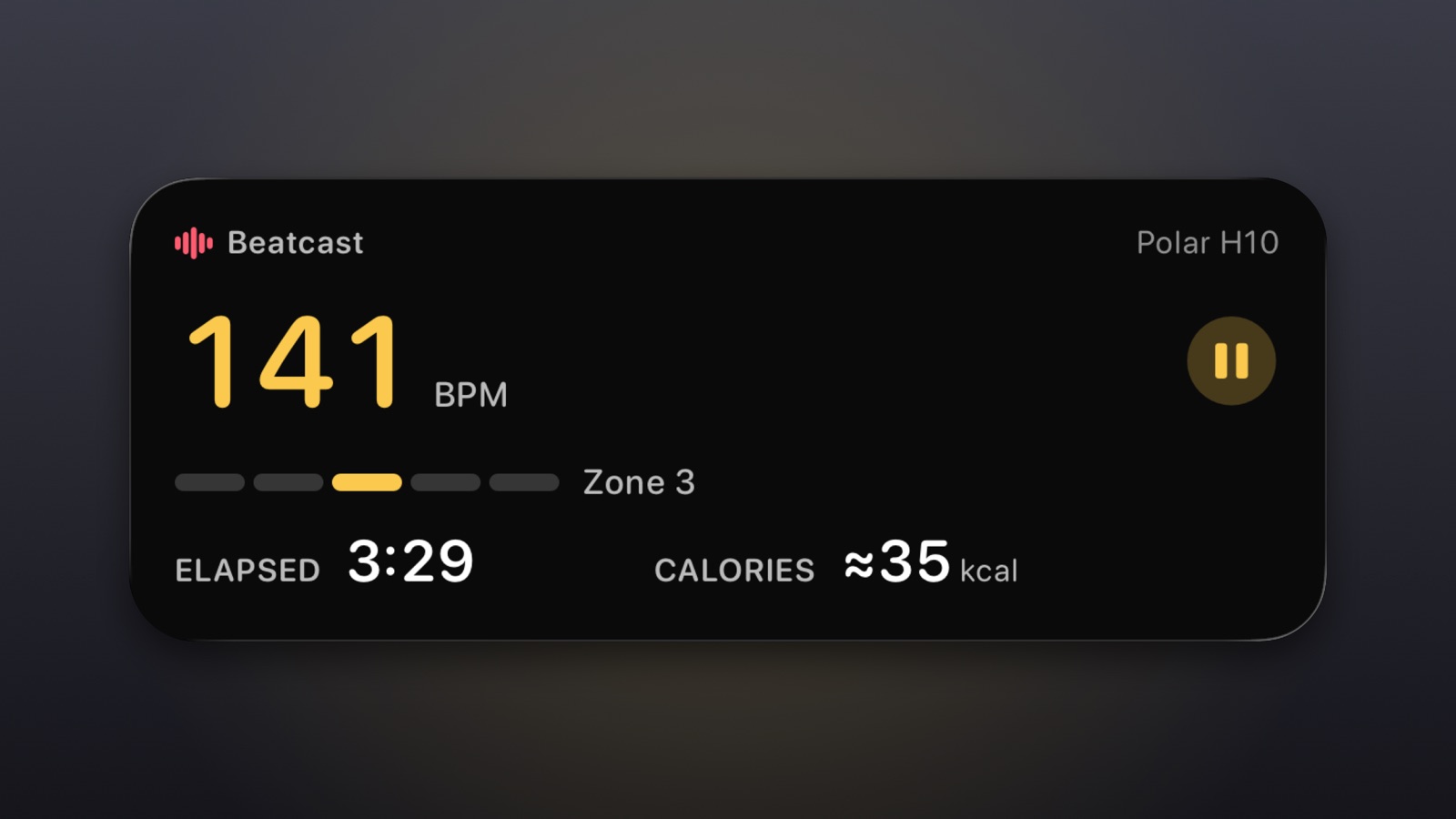
Lock Screen: the Live Activity 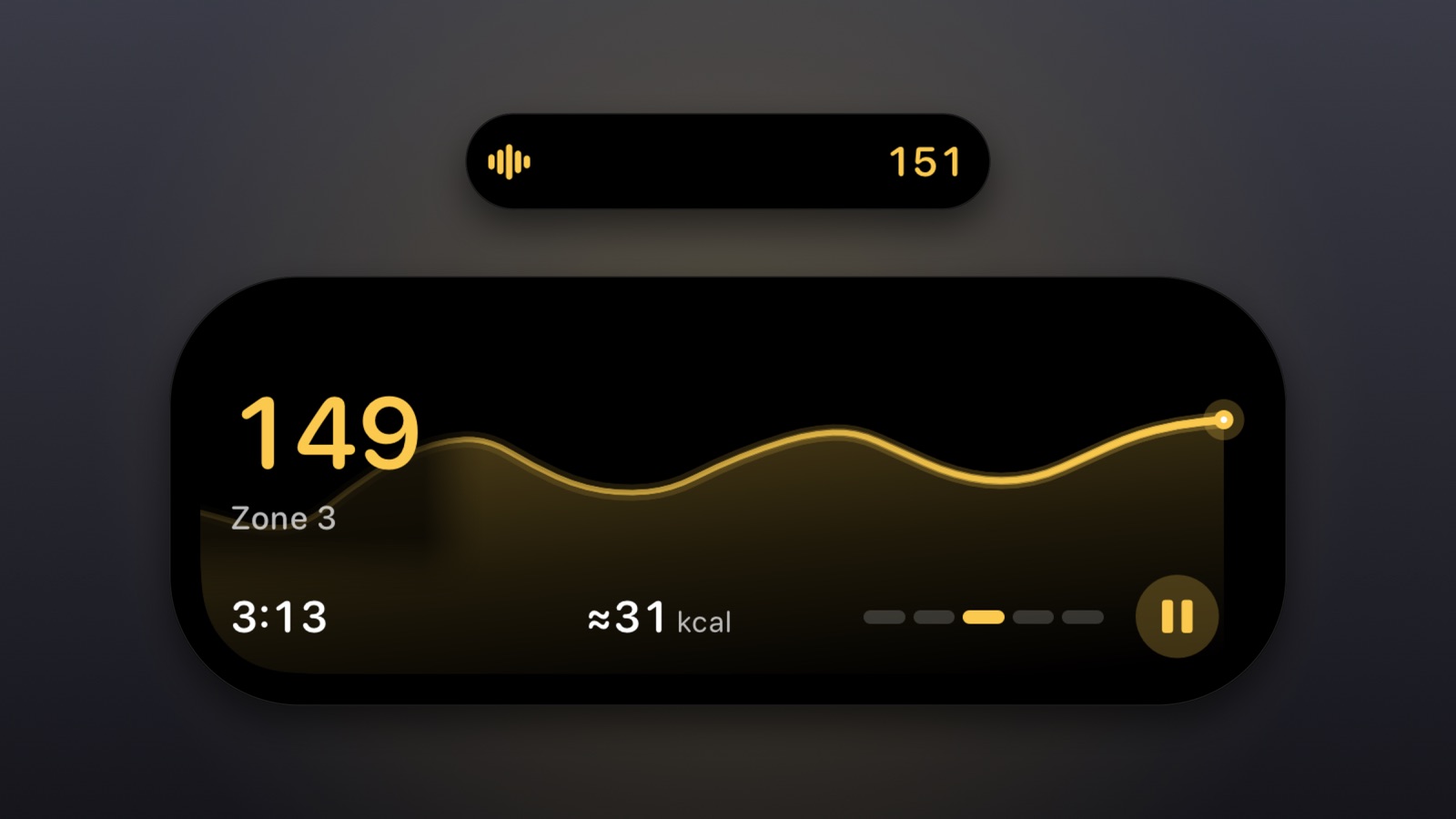
Dynamic Island: compact and expanded Download PNG, Screenshots, Dynamic Island: compact and expanded


iPhone
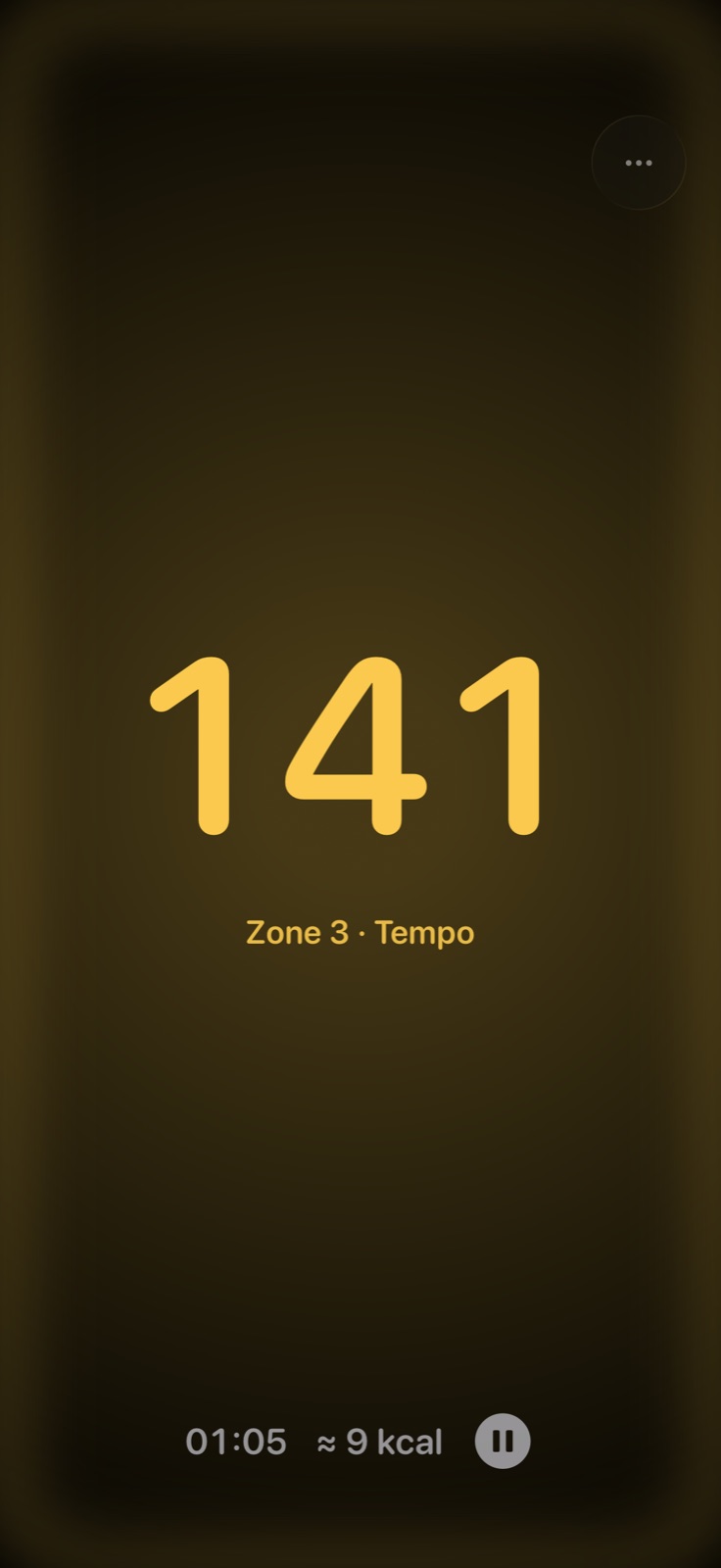
The full-screen heart rate Download PNG, Screenshots, iPhone: the full-screen heart rate
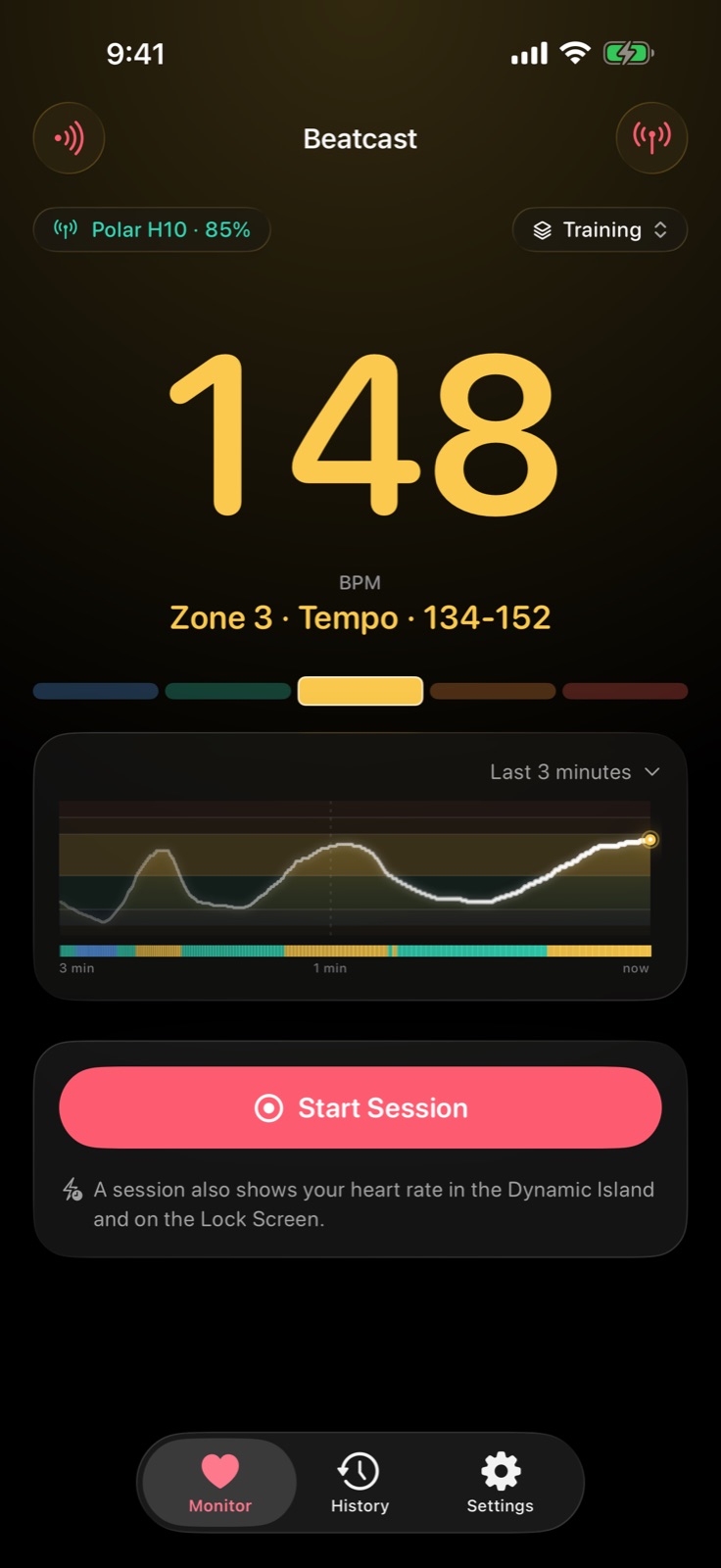
The Monitor 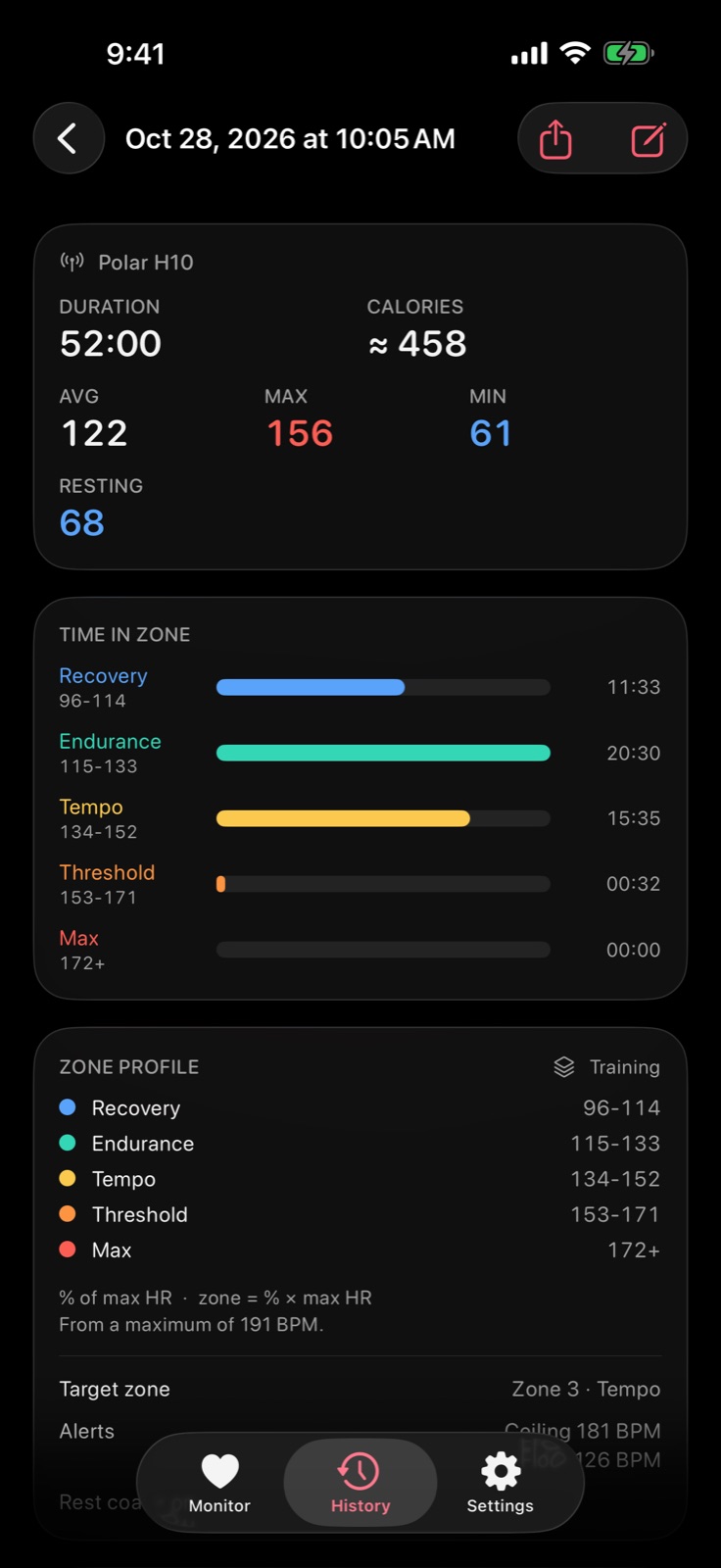
A finished session, time in each zone Download PNG, Screenshots, iPhone: a finished session, time in each zone
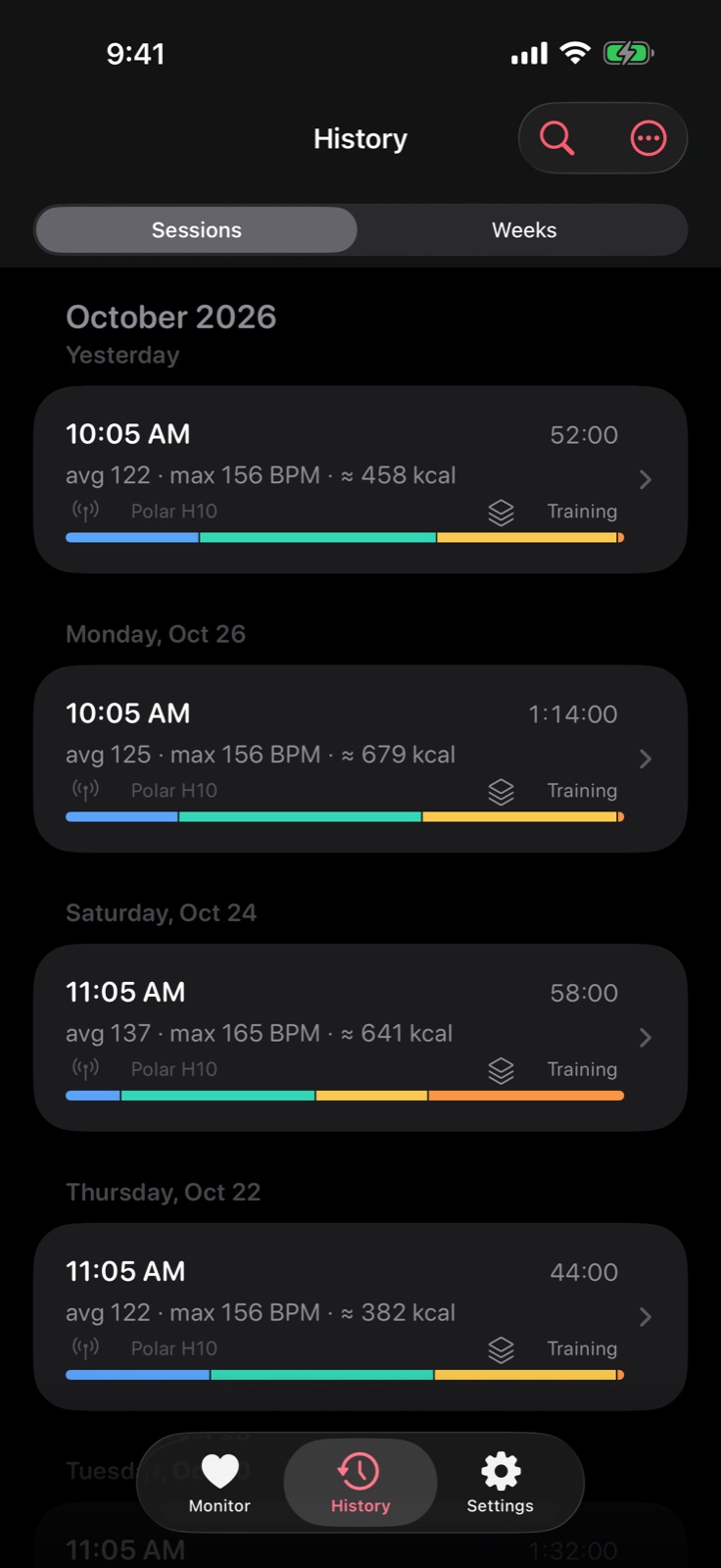
The History list 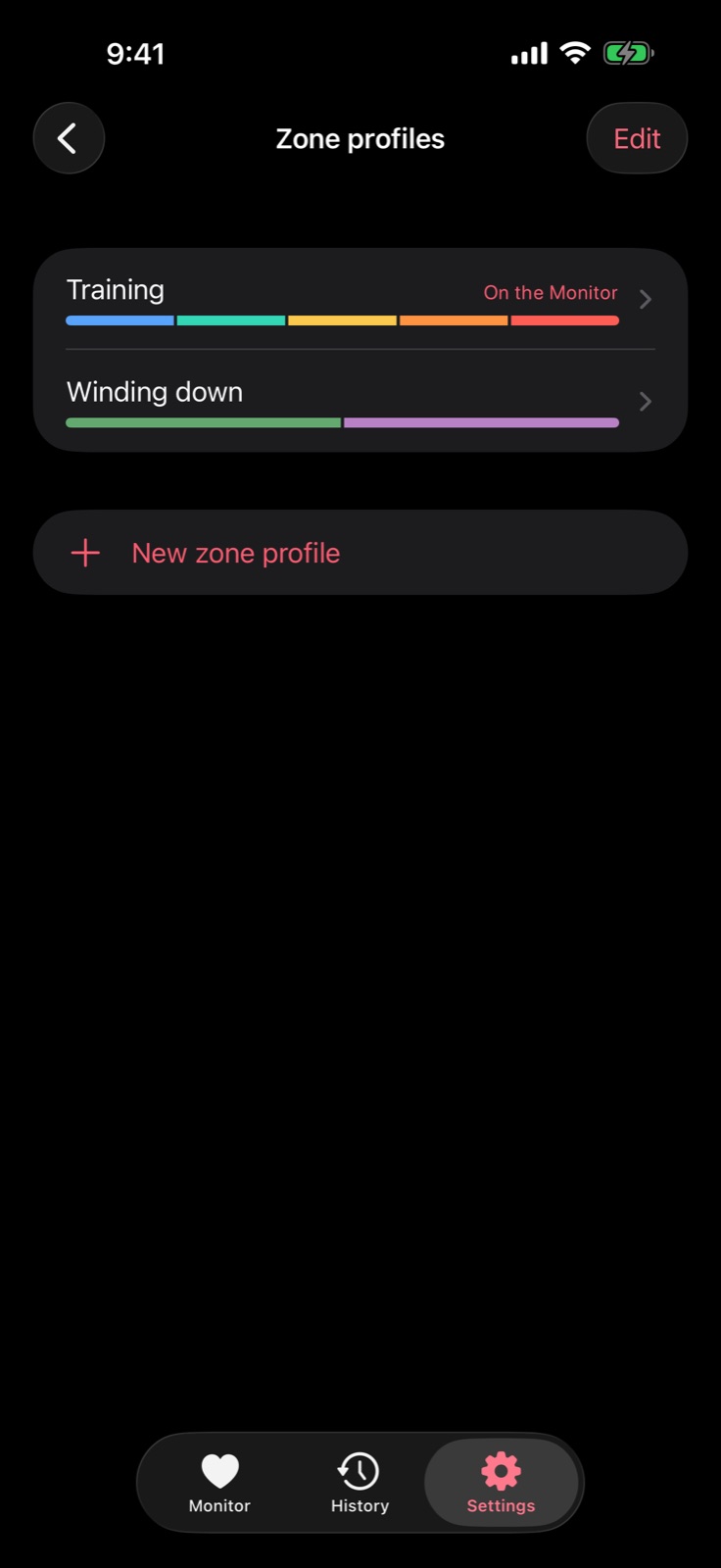
Zone profiles


iPhone Duo
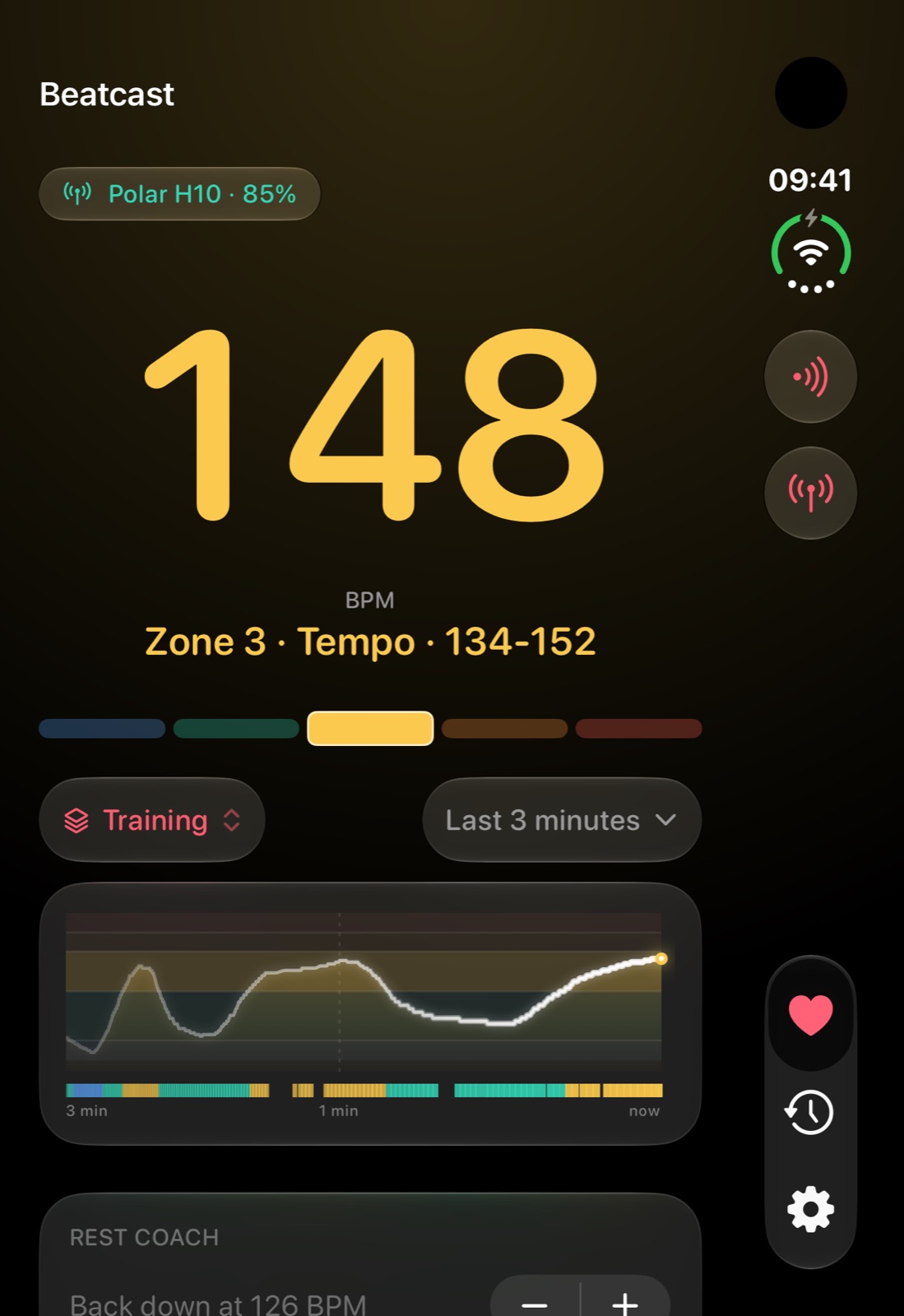
Folded, the cover display Download PNG, Screenshots, iPhone Duo: folded, the cover display
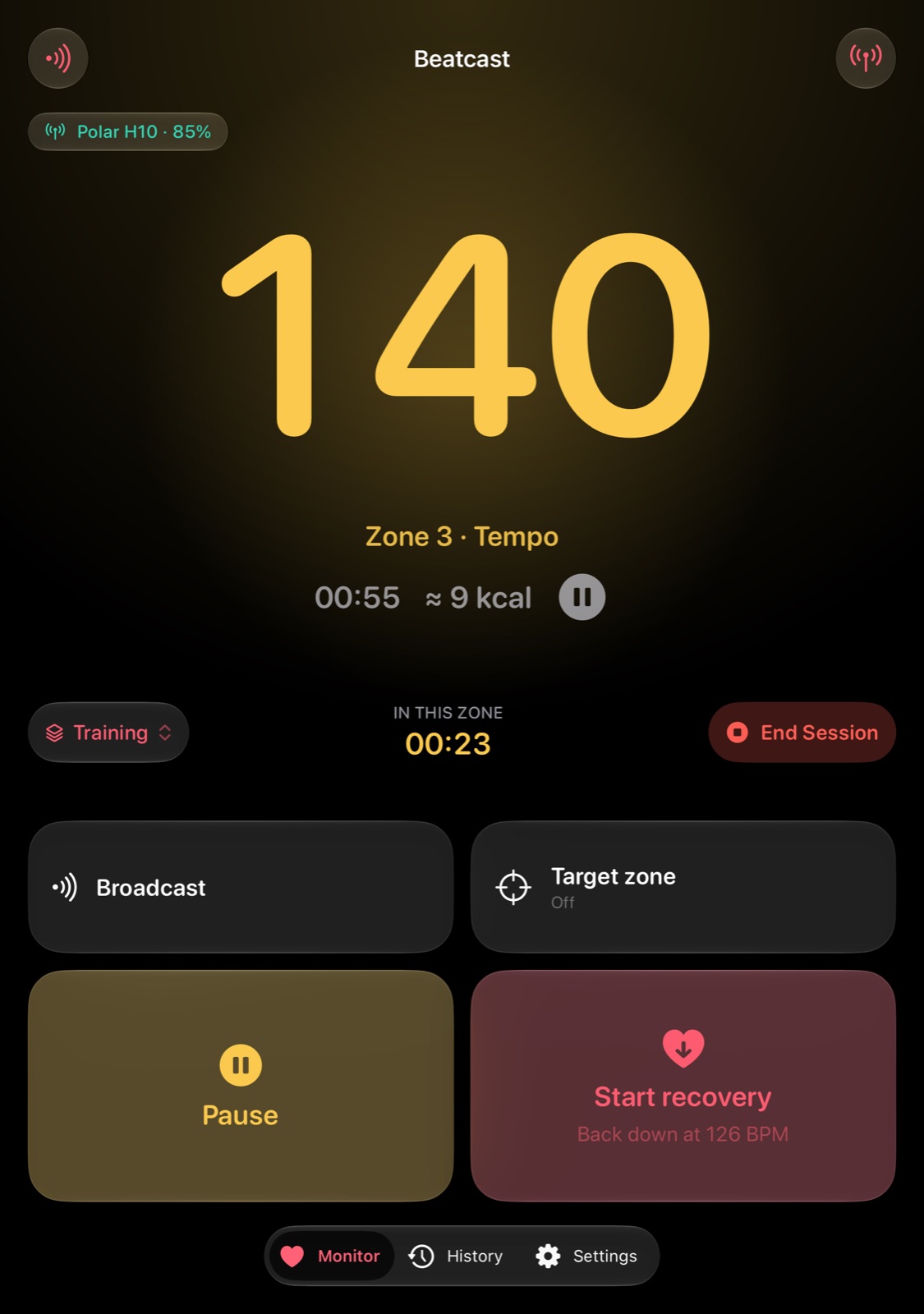
Unfolded, in a session Download PNG, Screenshots, iPhone Duo: unfolded, in a session
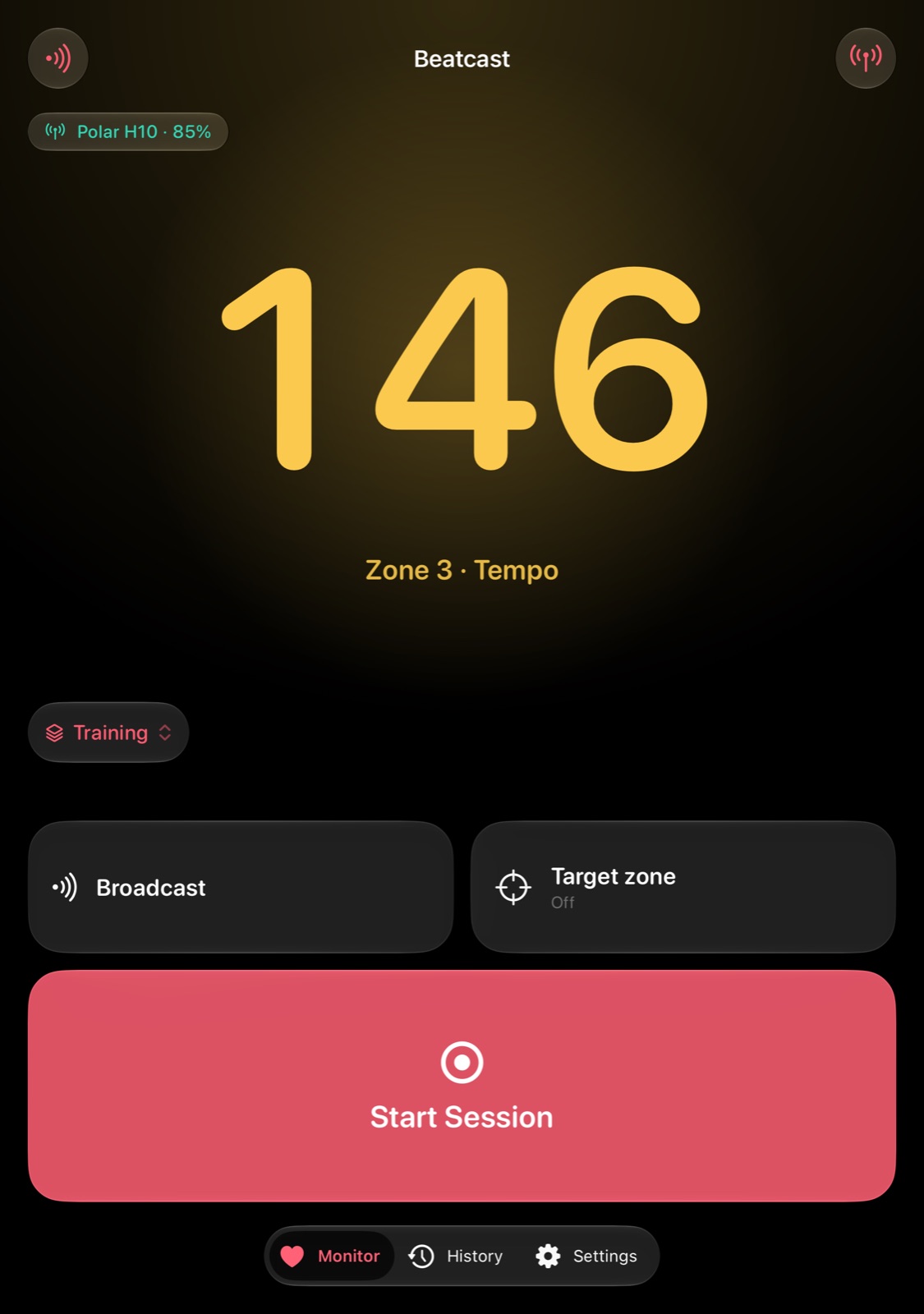
Unfolded, between sessions Download PNG, Screenshots, iPhone Duo: unfolded, between sessions
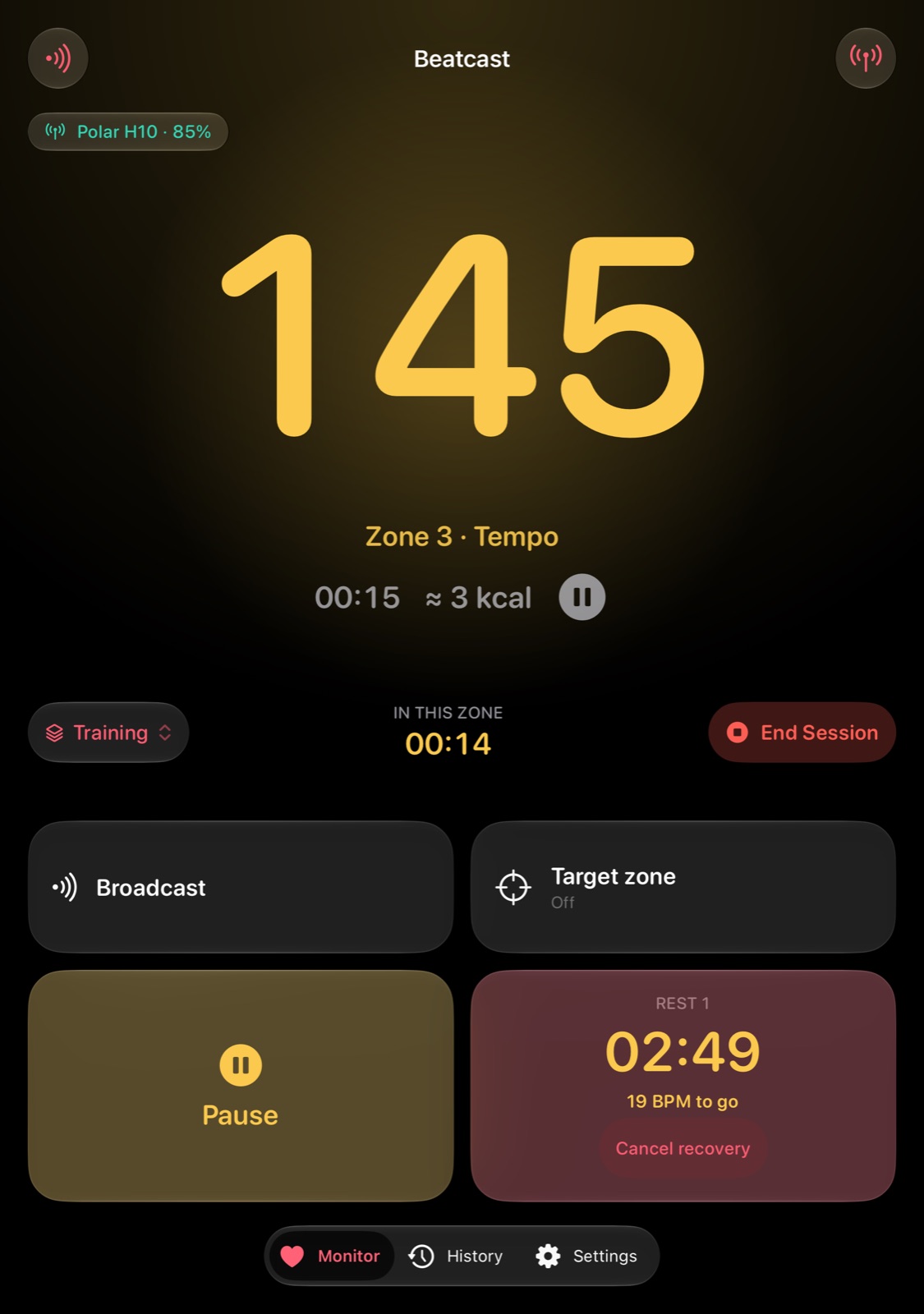
Unfolded, during a rest Download PNG, Screenshots, iPhone Duo: unfolded, during a rest


iPhone Duo mockups
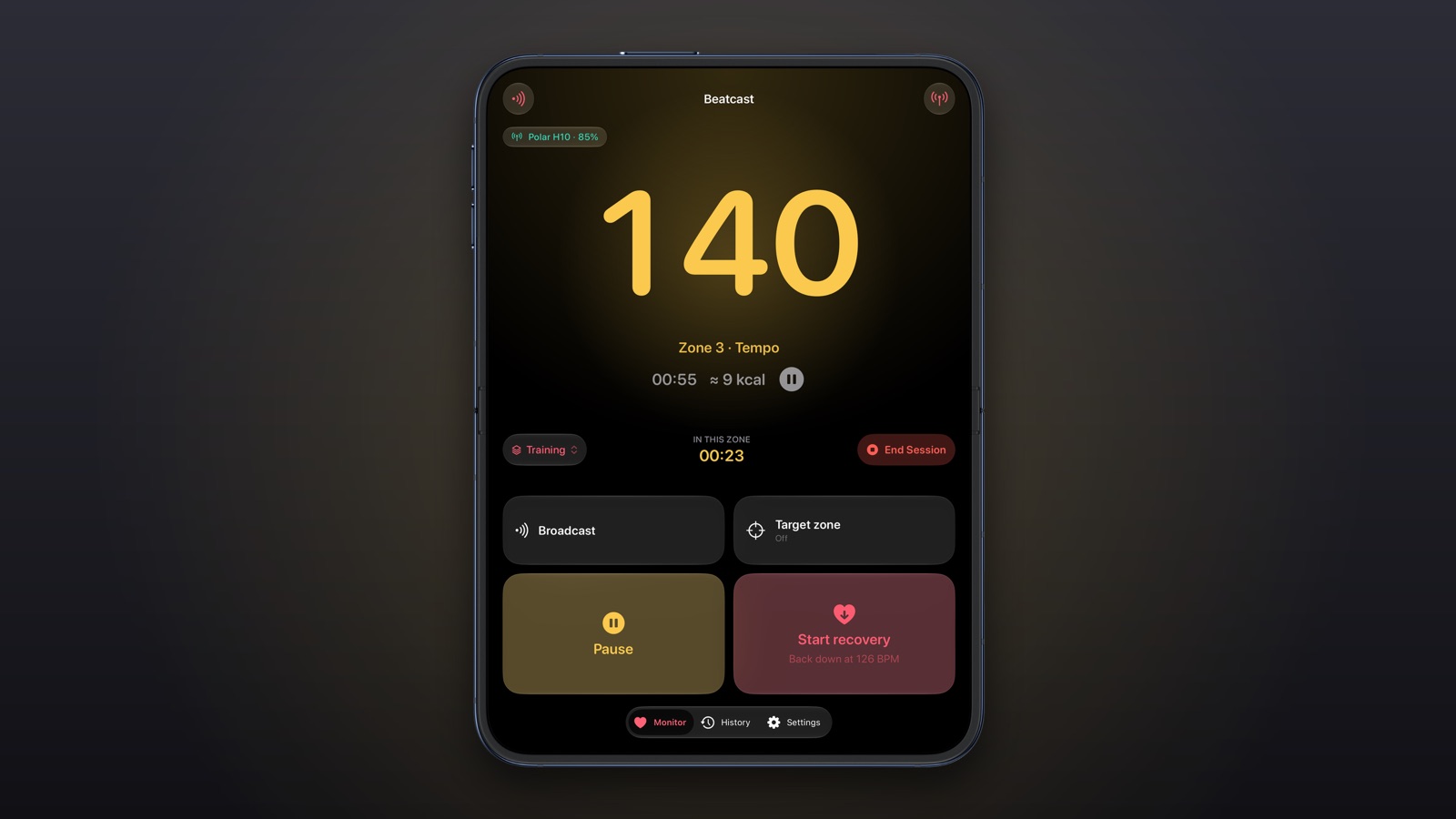
Open, the inner display Download PNG, Screenshots, iPhone Duo mockups: open, the inner display
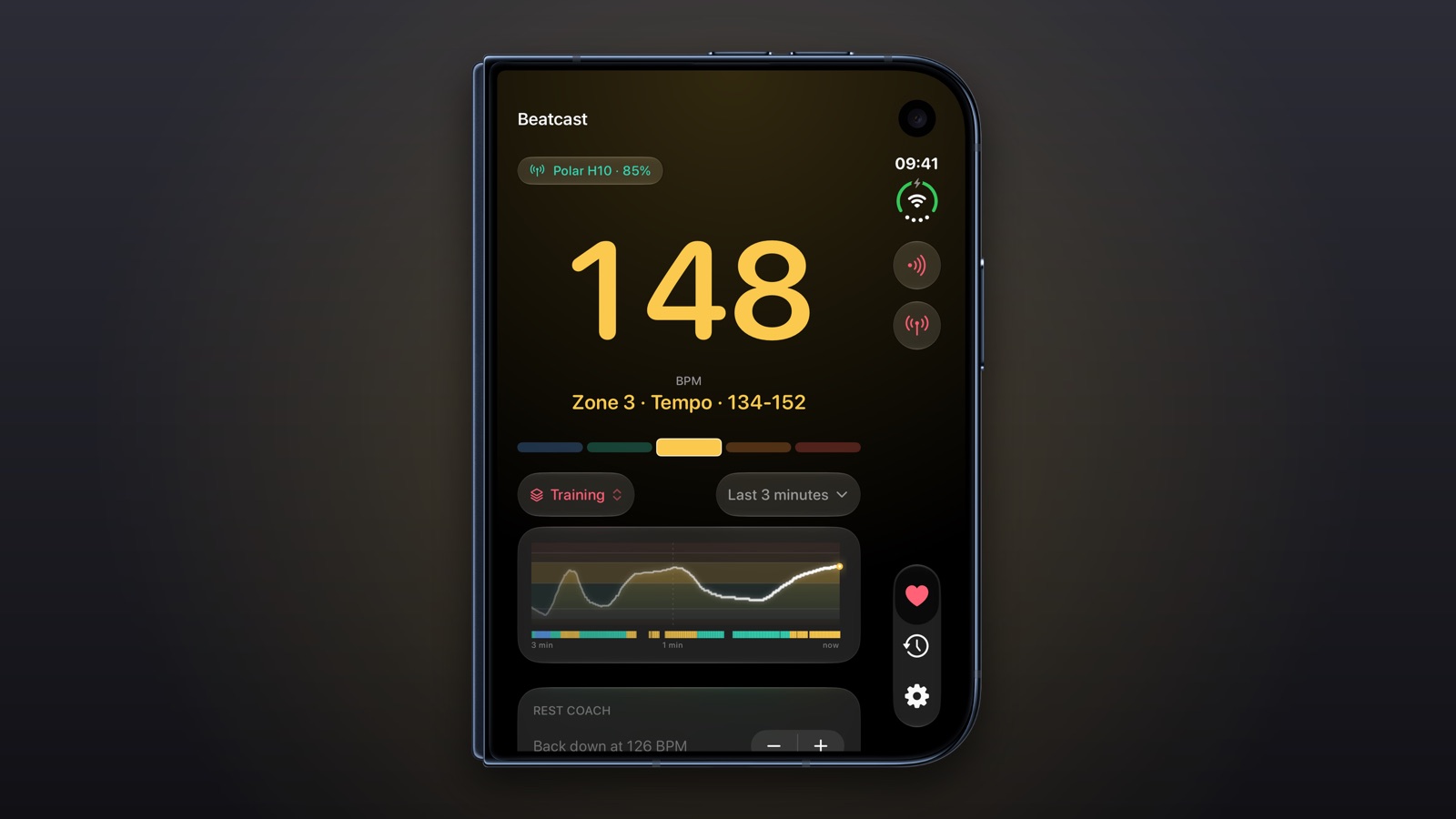
Closed, the cover display Download PNG, Screenshots, iPhone Duo mockups: closed, the cover display
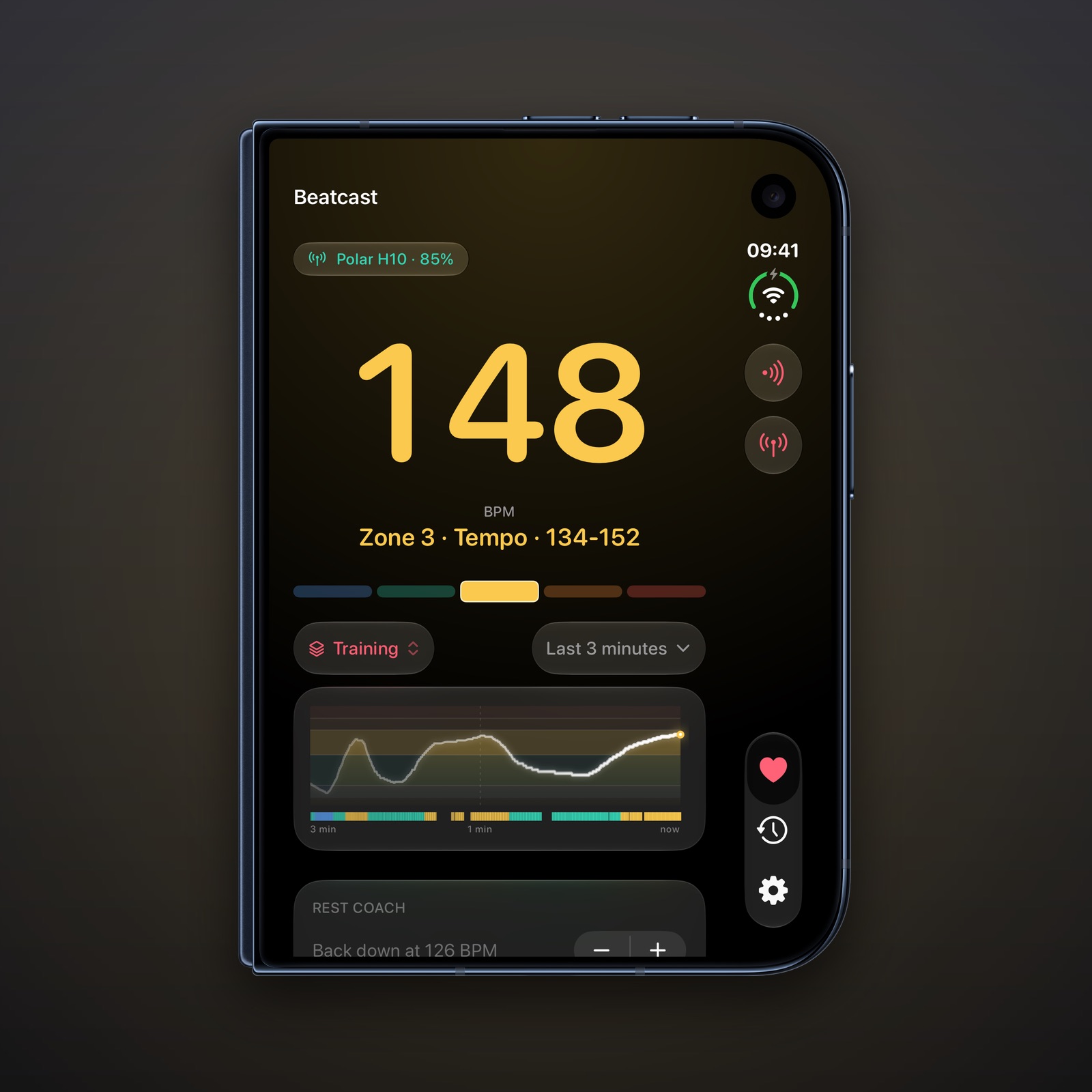
Closed, square Download PNG, Screenshots, iPhone Duo mockups: closed, square
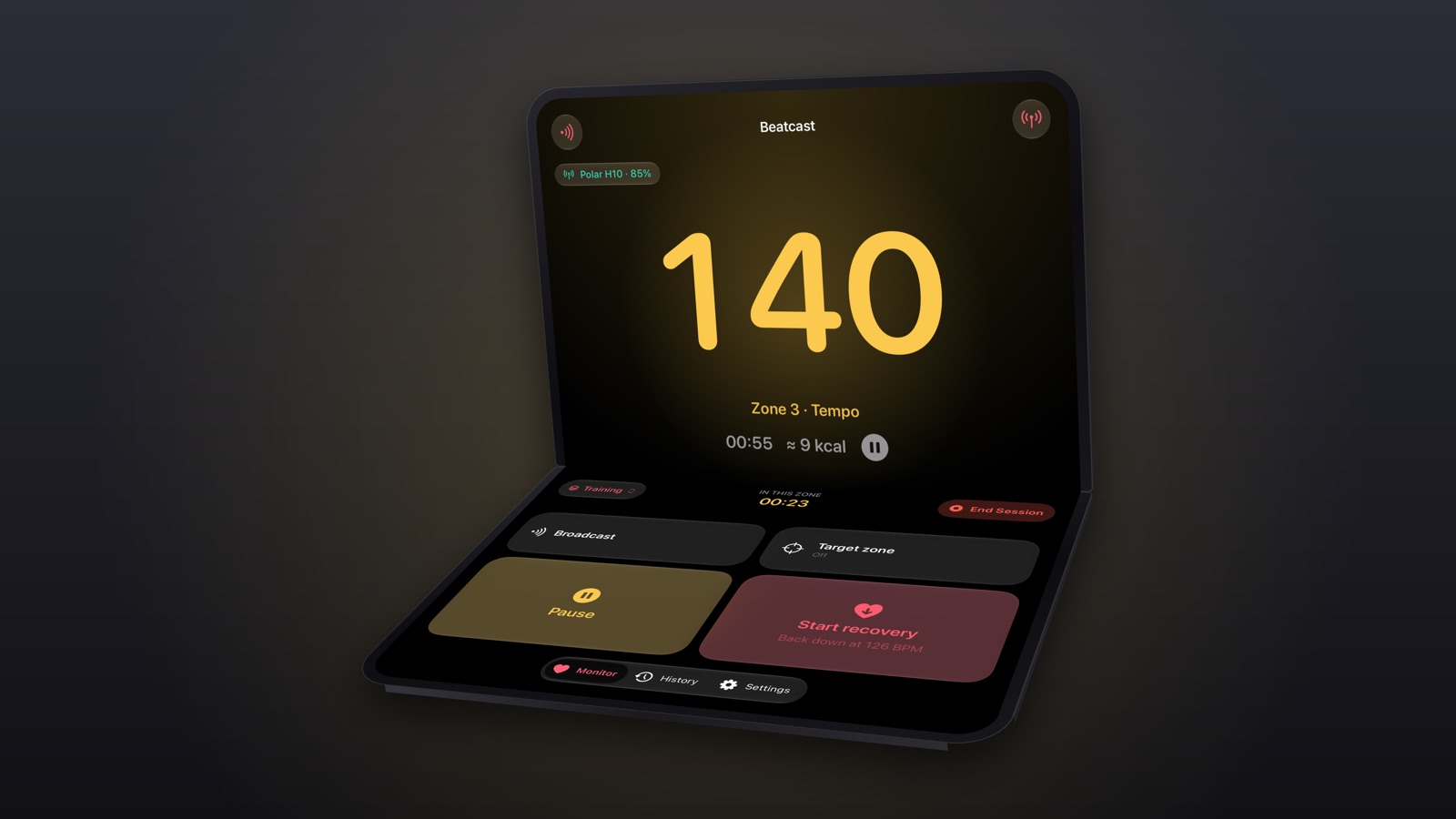
Half-folded on a table Download PNG, Screenshots, iPhone Duo mockups: half-folded on a table
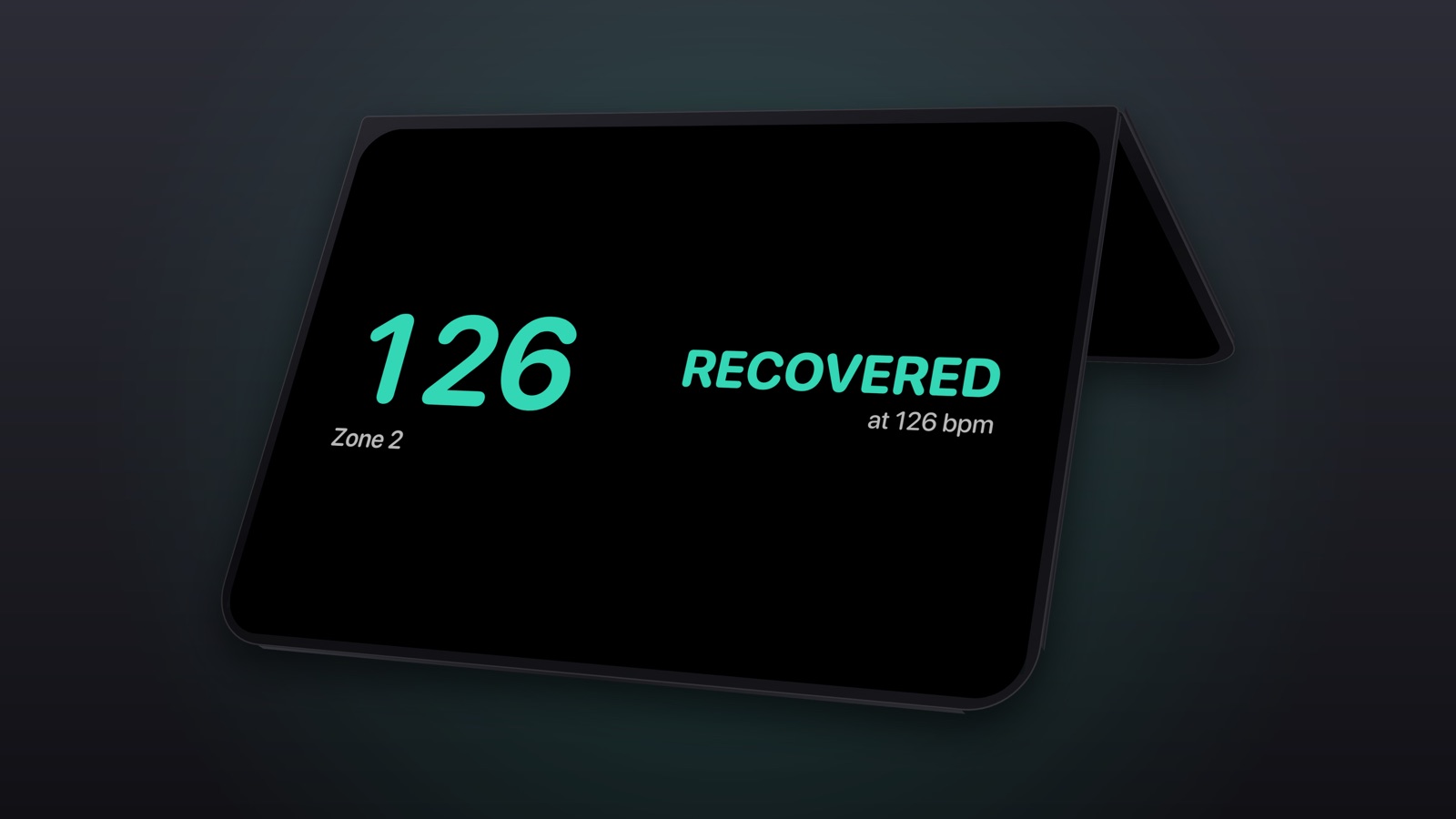
Standing like a tent Download PNG, Screenshots, iPhone Duo mockups: standing like a tent
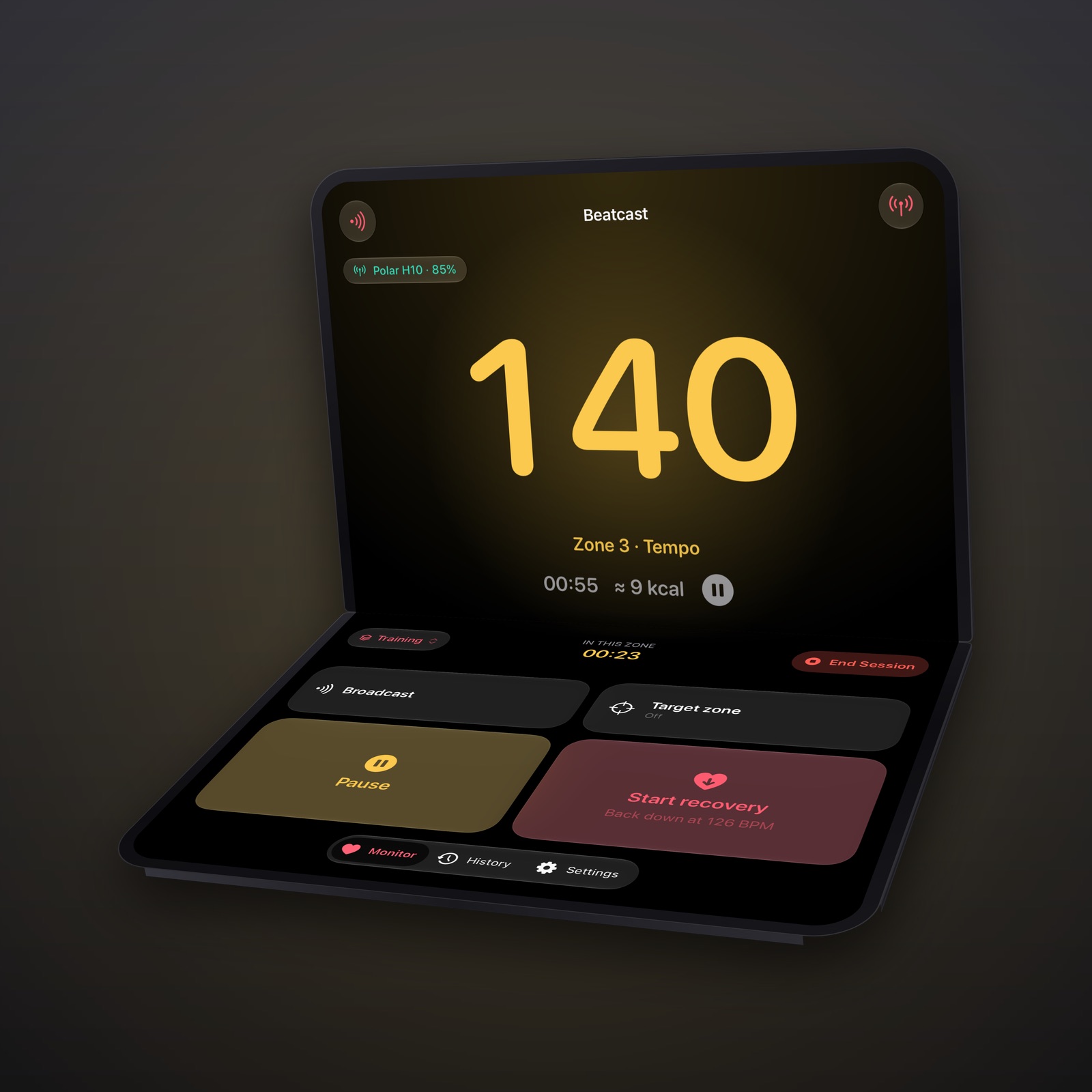
Half-folded, square Download PNG, Screenshots, iPhone Duo mockups: half-folded, square


iPad
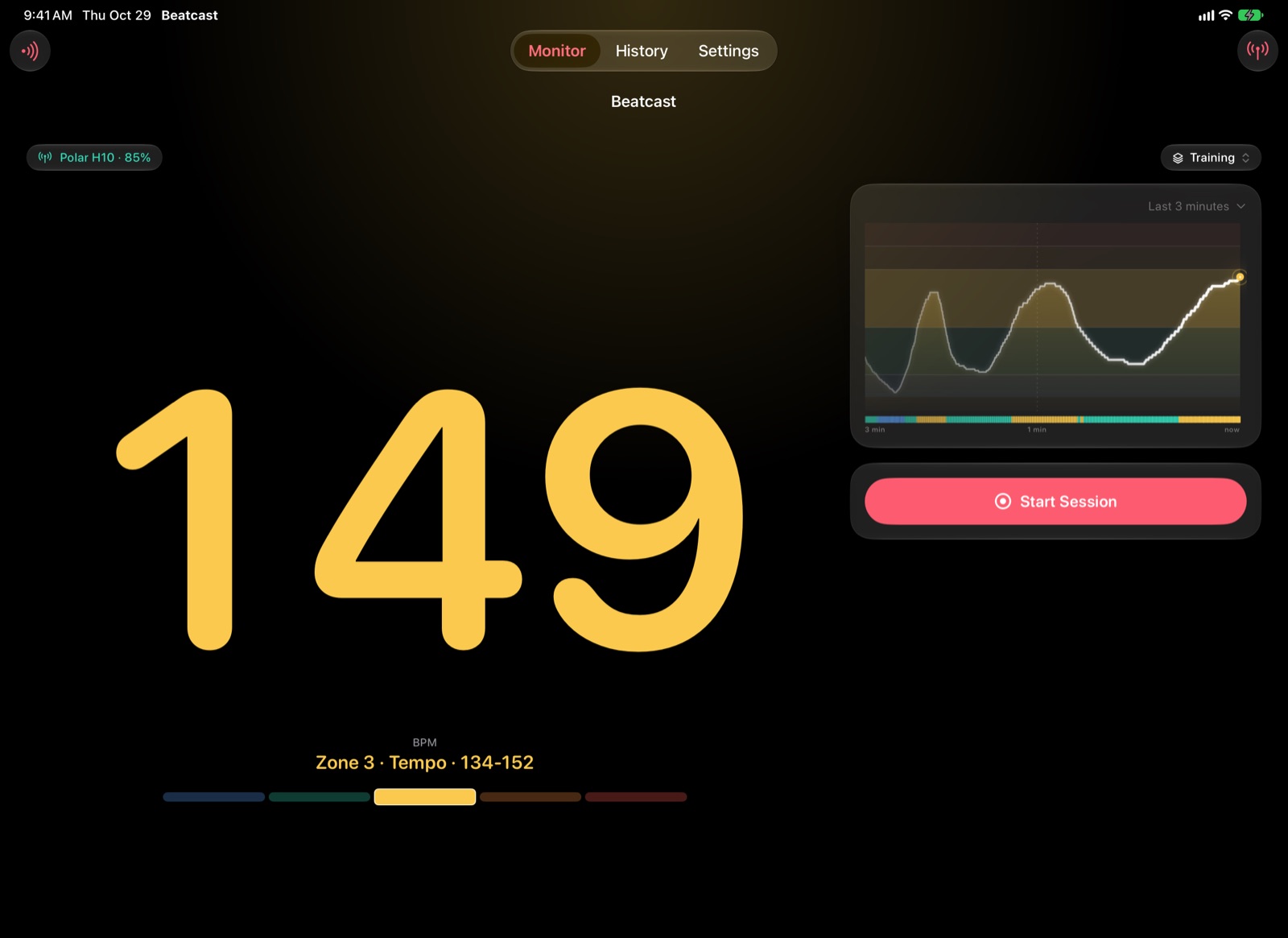
The Monitor 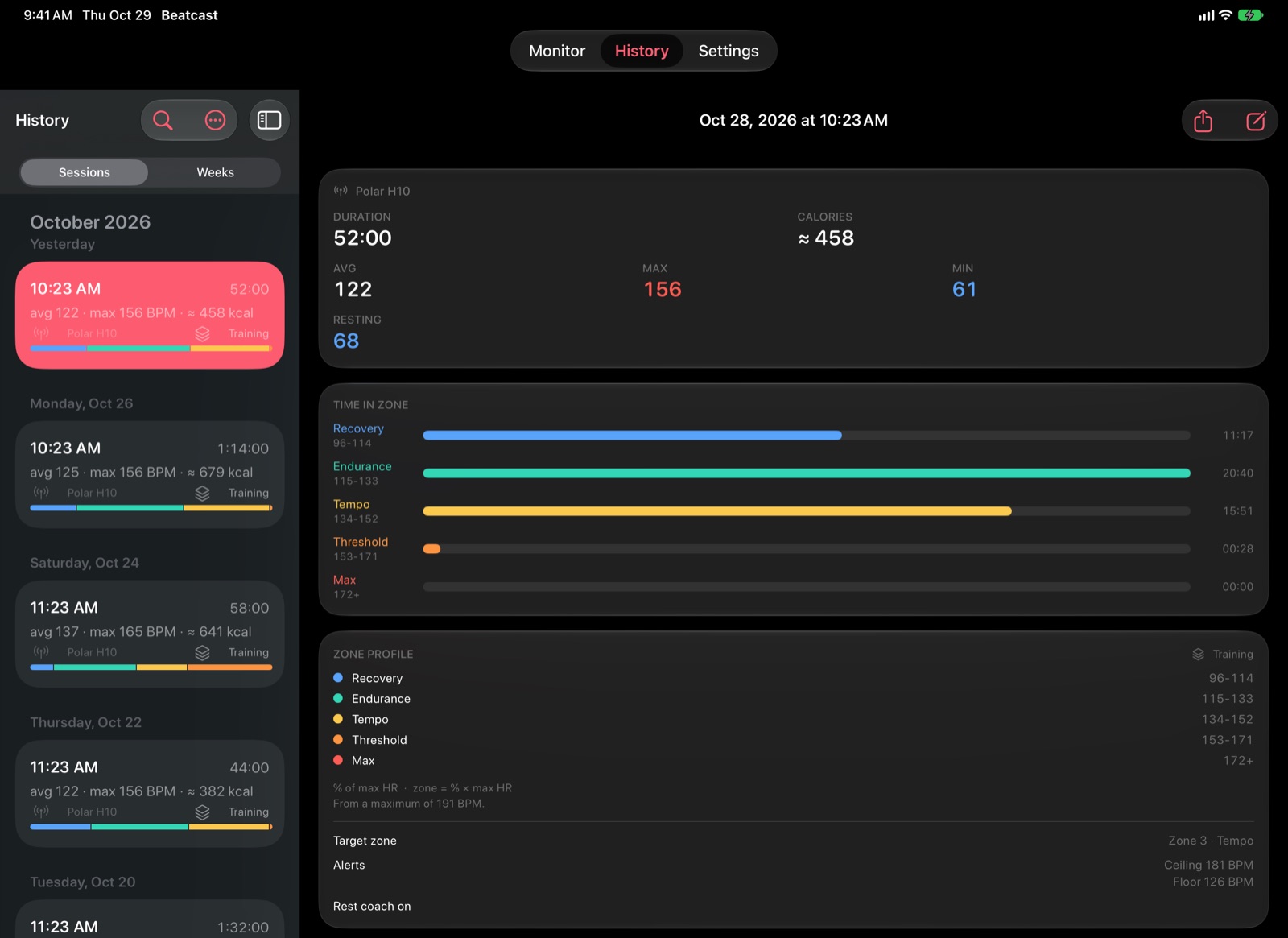
History with a finished session open Download PNG, Screenshots, iPad: History with a finished session open


App Store screenshots
iPhone
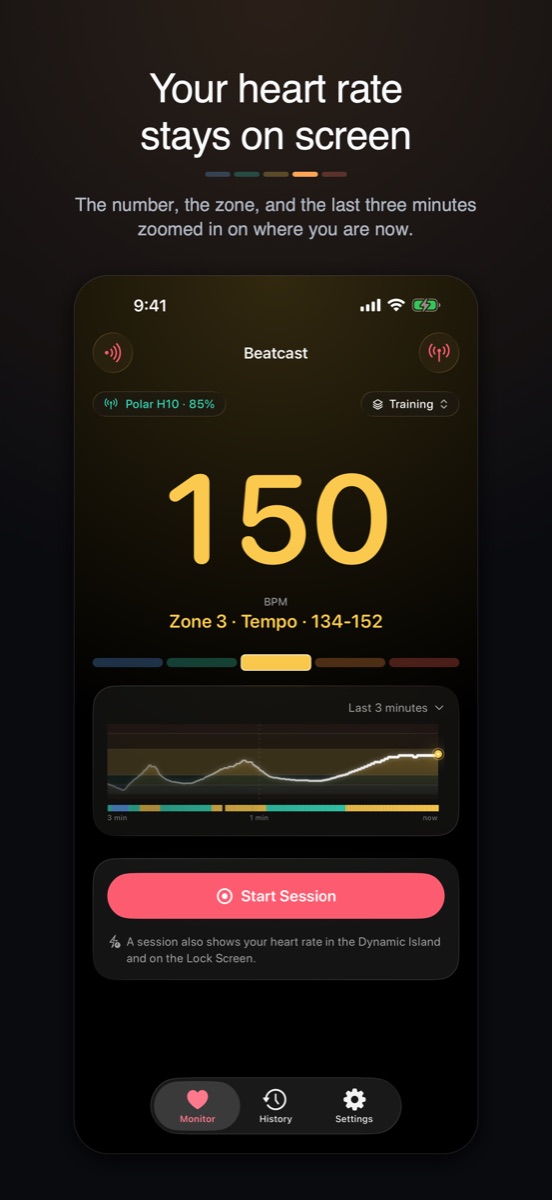
The Monitor 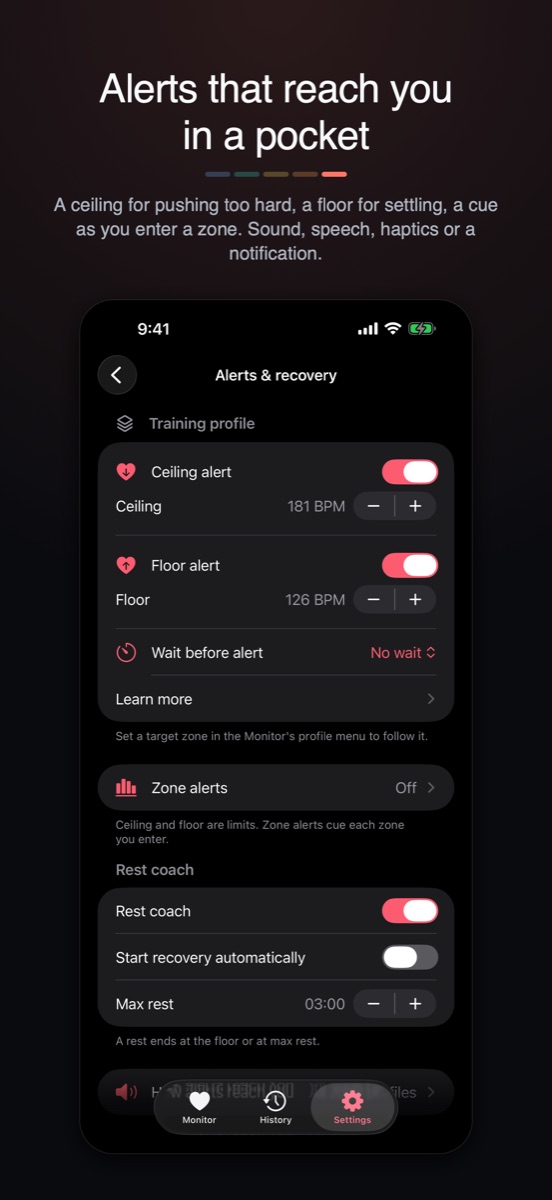
Alerts and recovery Download PNG, App Store screenshots, iPhone: alerts and recovery
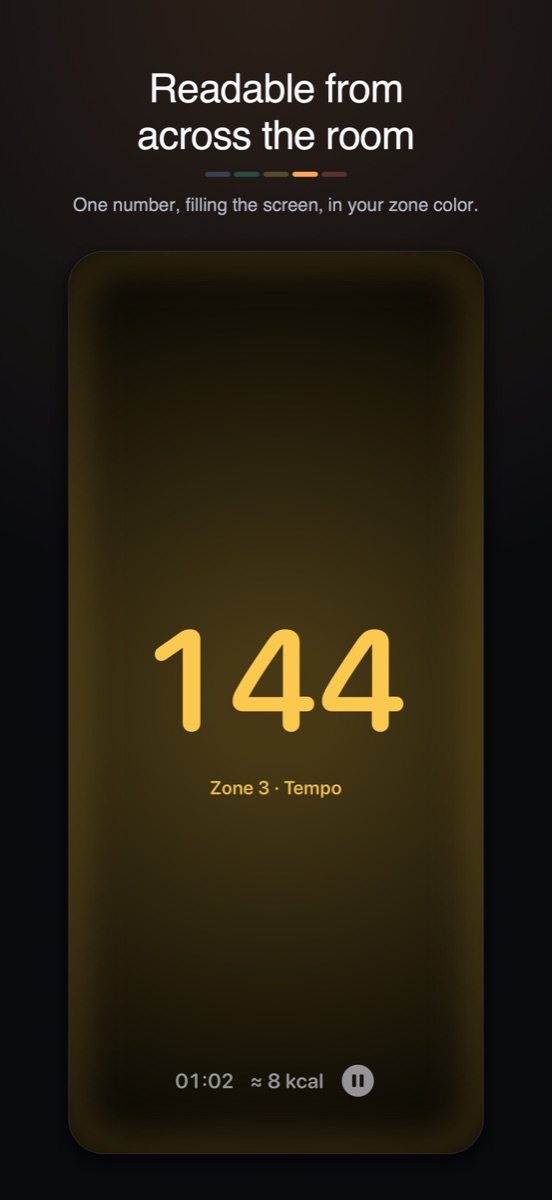
The full-screen heart rate Download PNG, App Store screenshots, iPhone: the full-screen heart rate
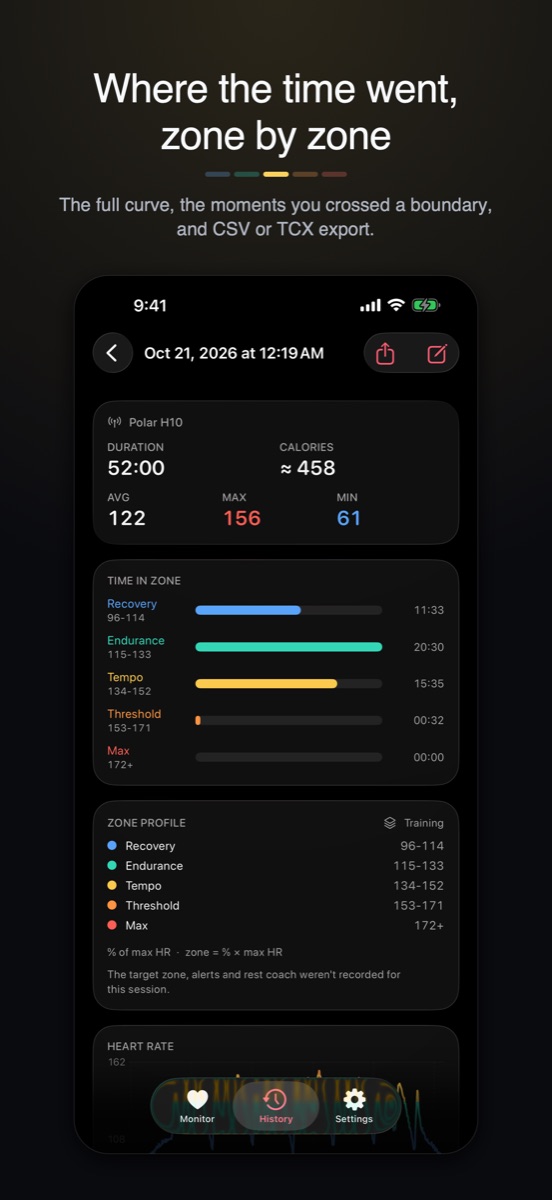
A finished session Download PNG, App Store screenshots, iPhone: a finished session
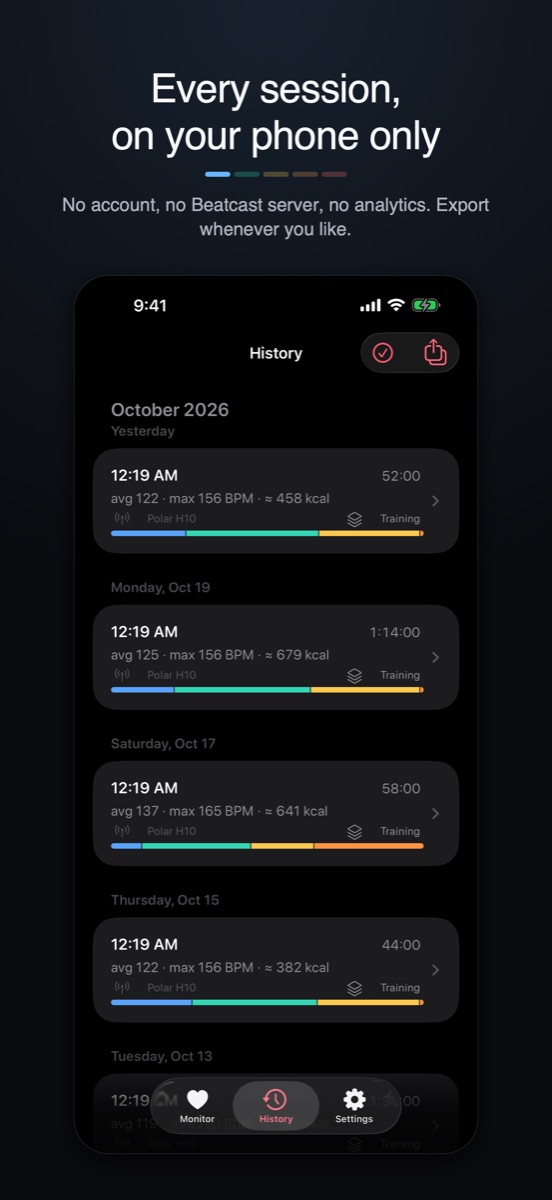
The History list Download PNG, App Store screenshots, iPhone: the History list
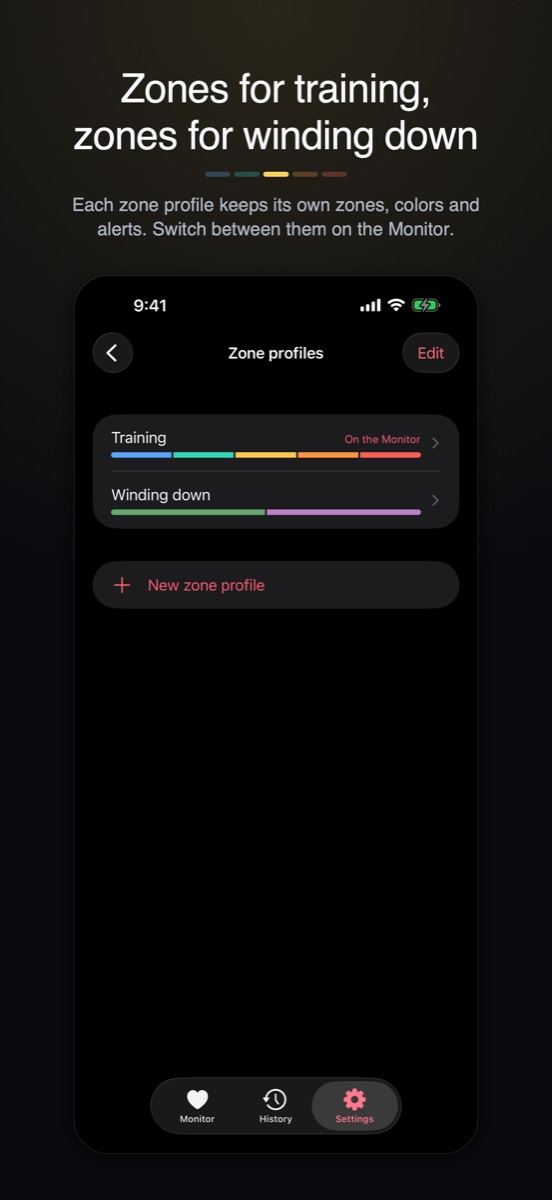
Zone profiles


iPhone Duo
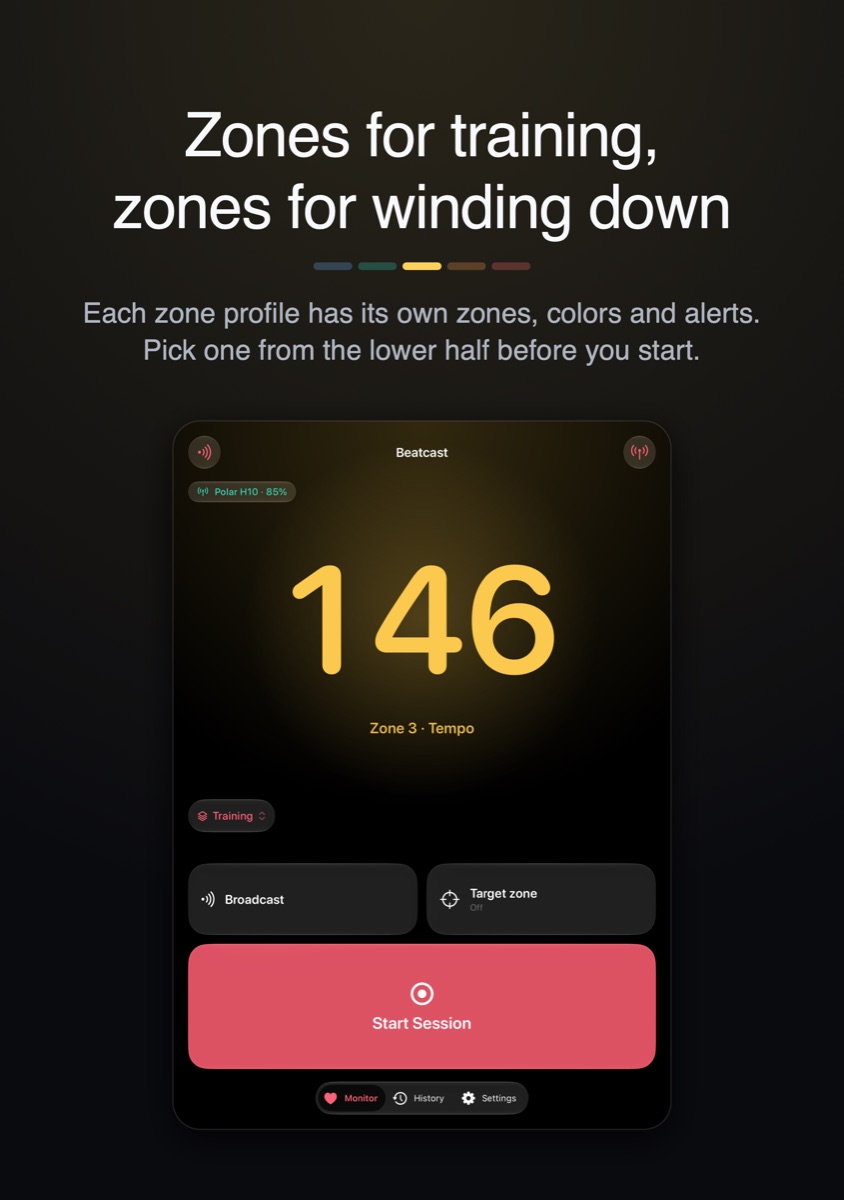
Unfolded, between sessions Download PNG, App Store screenshots, iPhone Duo: unfolded, between sessions

iPad
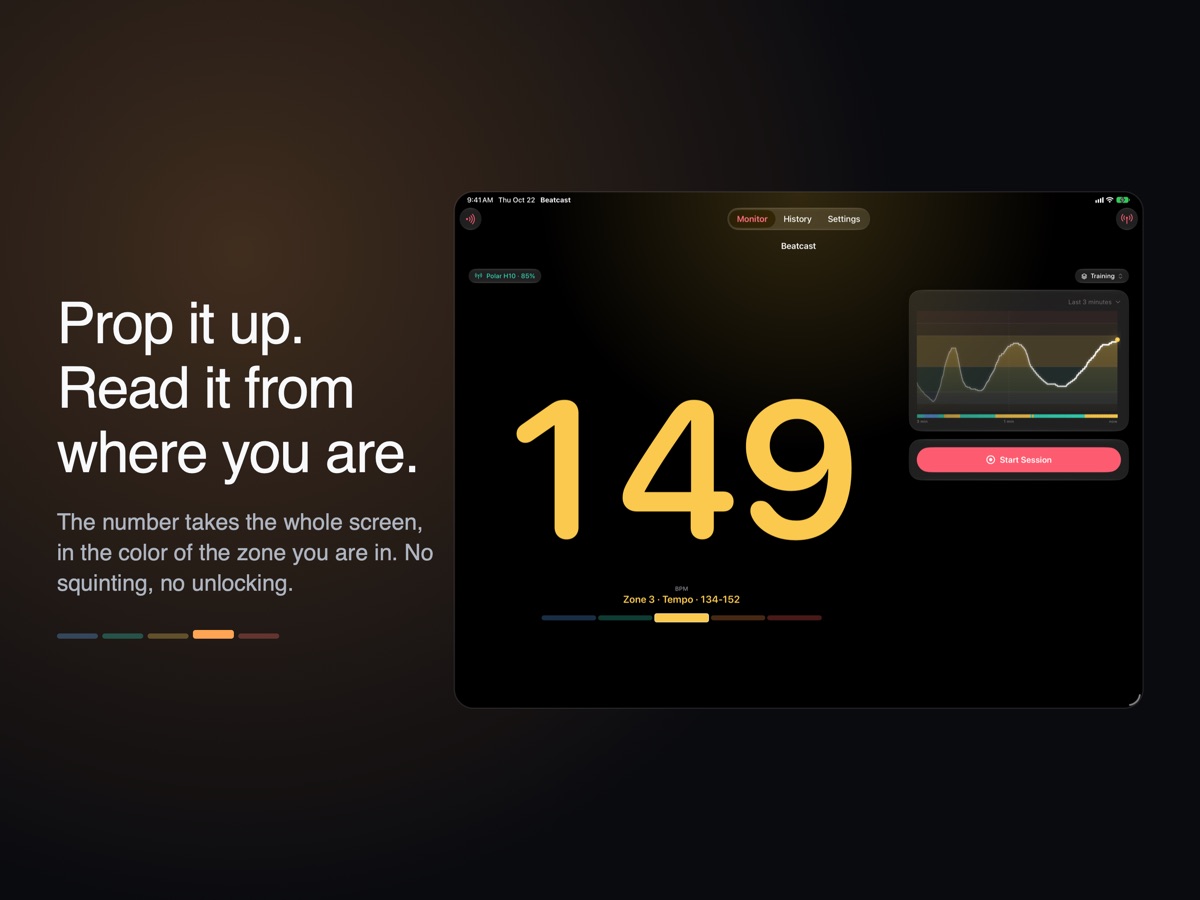
The Monitor 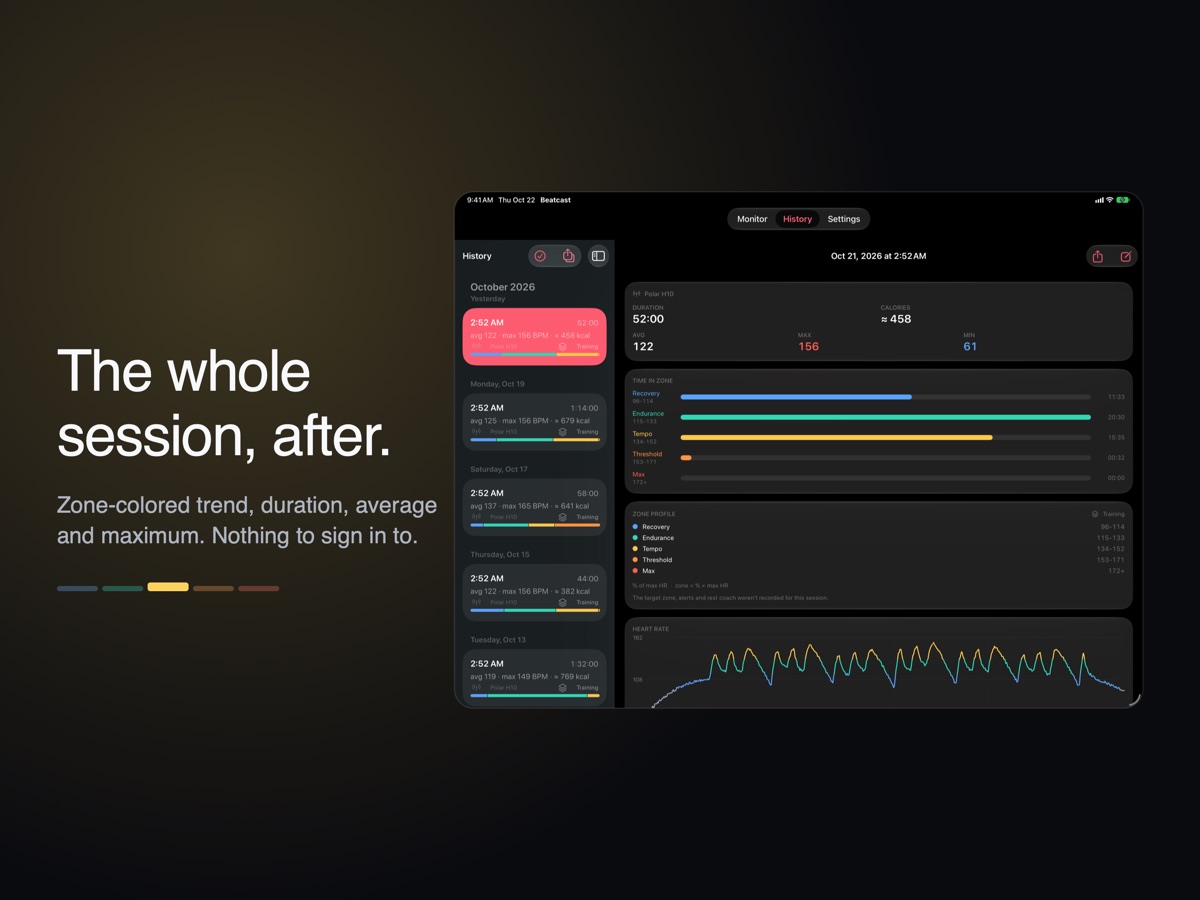
A finished session Download PNG, App Store screenshots, iPad: a finished session


Banner
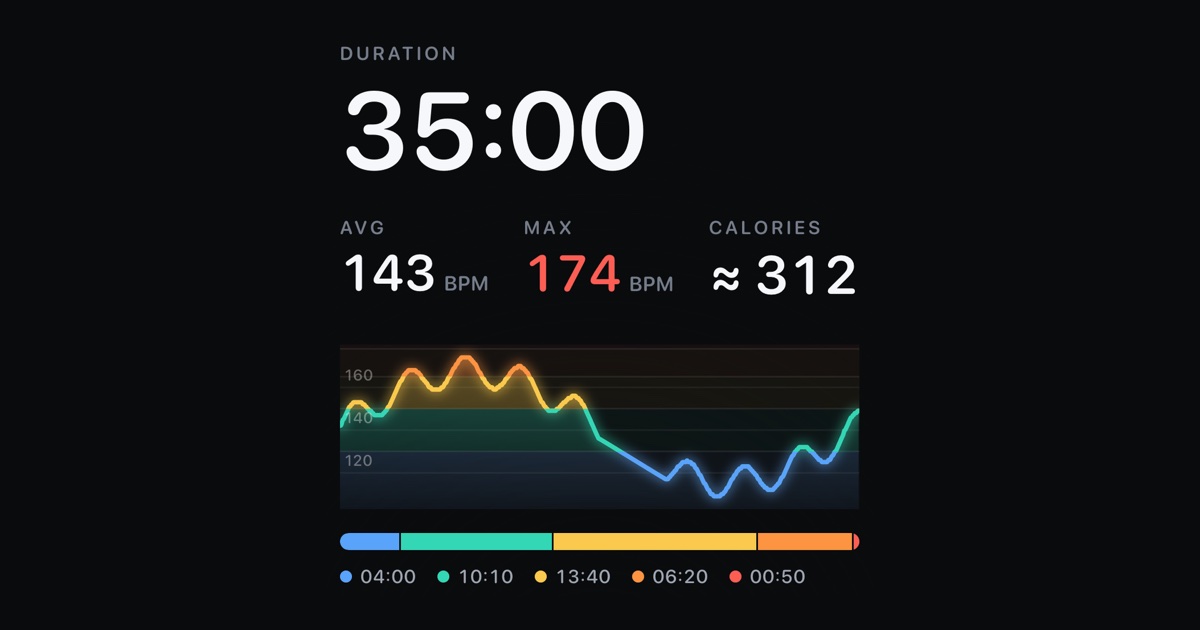
The link preview
